
Your buckets are folders now.
BucketVolume puts Amazon S3, Cloudflare R2 and Backblaze B2 buckets in Finder on a Mac and in the Files app on iPhone and iPad.


- Kind:
- App for iPhone, iPad and Mac
- Where:
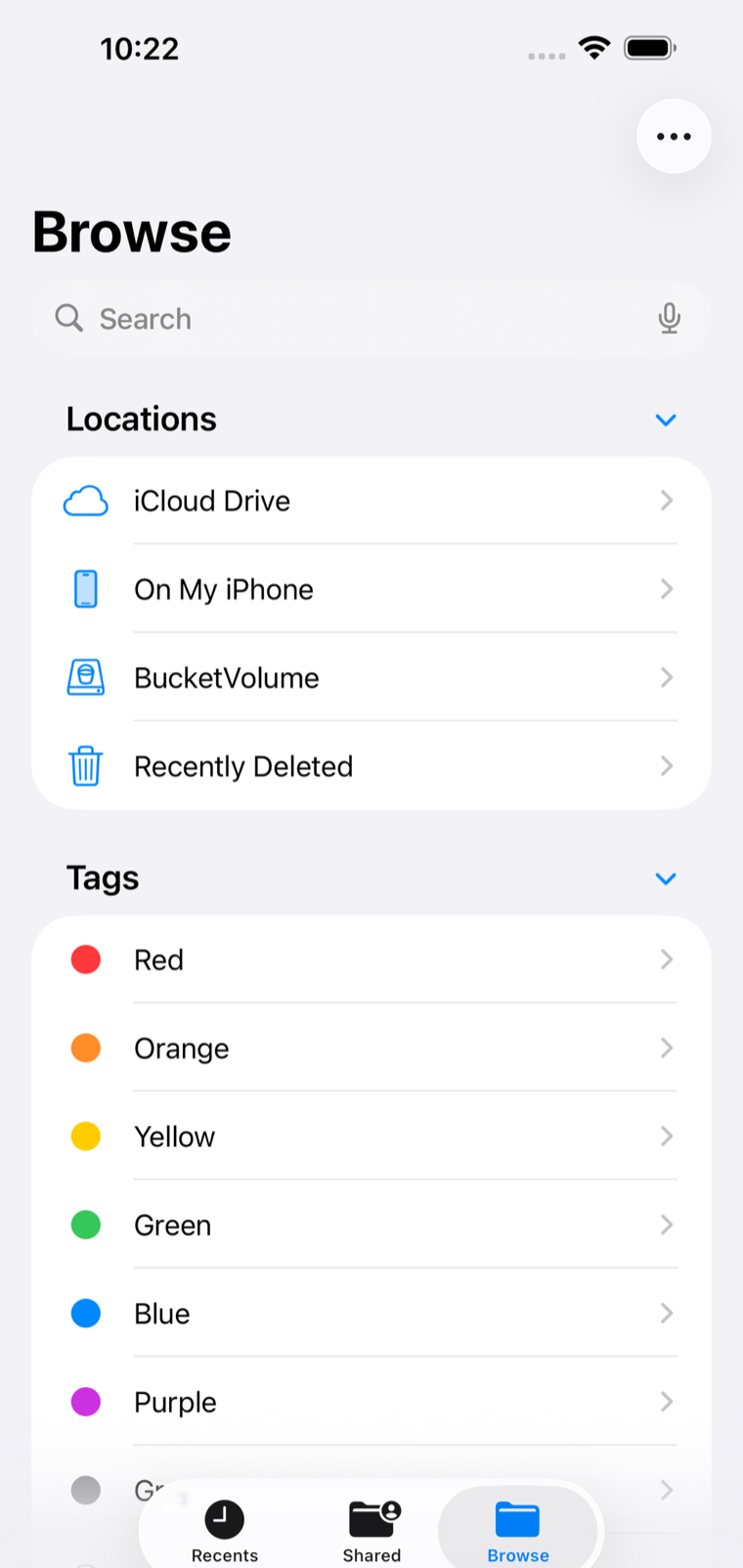
- Finder sidebar and the Files app, under Locations
- Works with:
- Amazon S3, Cloudflare R2, Backblaze B2and other S3-compatible services over https
- Price:
- $2.99, onceOptional Pro upgrade, $9.99 once. No subscription.
- Server:
- NoneYour keys go only to your storage provider.
Why BucketVolume
Your buckets are folders. Each bucket is a folder in Finder and in the Files app, so every app that opens files can use it. There is no separate browser app to switch to.
Pay once. $2.99 once covers iPhone, iPad and Mac. The optional Pro upgrade is $9.99 once and covers your family. BucketVolume has no subscription.
Both edits are kept. When a file changes in the bucket while you are editing it, BucketVolume saves your version beside the original as a conflict copy. Neither version is overwritten.
No server in between. BucketVolume has no server and no account to create. Your access keys go only to your storage provider.
On a Mac
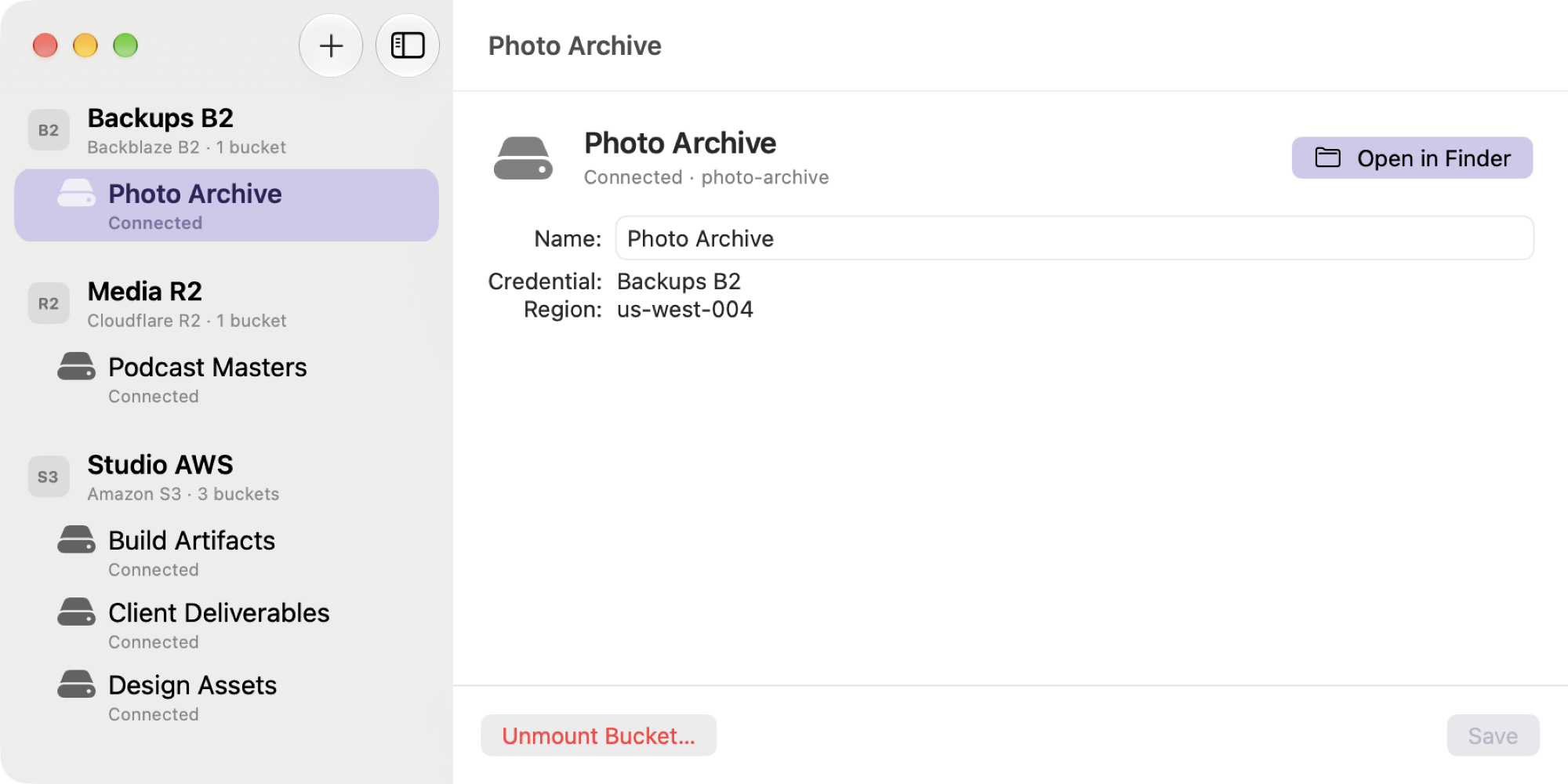
BucketVolume sits in the Finder sidebar under Locations, where your drives are. Each bucket is a folder inside it.
Mac apps that use the standard Open and Save windows can open a file from a bucket and save a file back to it, the same way they do with local files. Dragging a file into a bucket's folder uploads it.
A file downloads when you open it, so a bucket far larger than the Mac's disk still fits in Finder. When iCloud Keychain is on, keys you added on your iPhone or iPad appear on the Mac with nothing to type again.
On iPhone and iPad
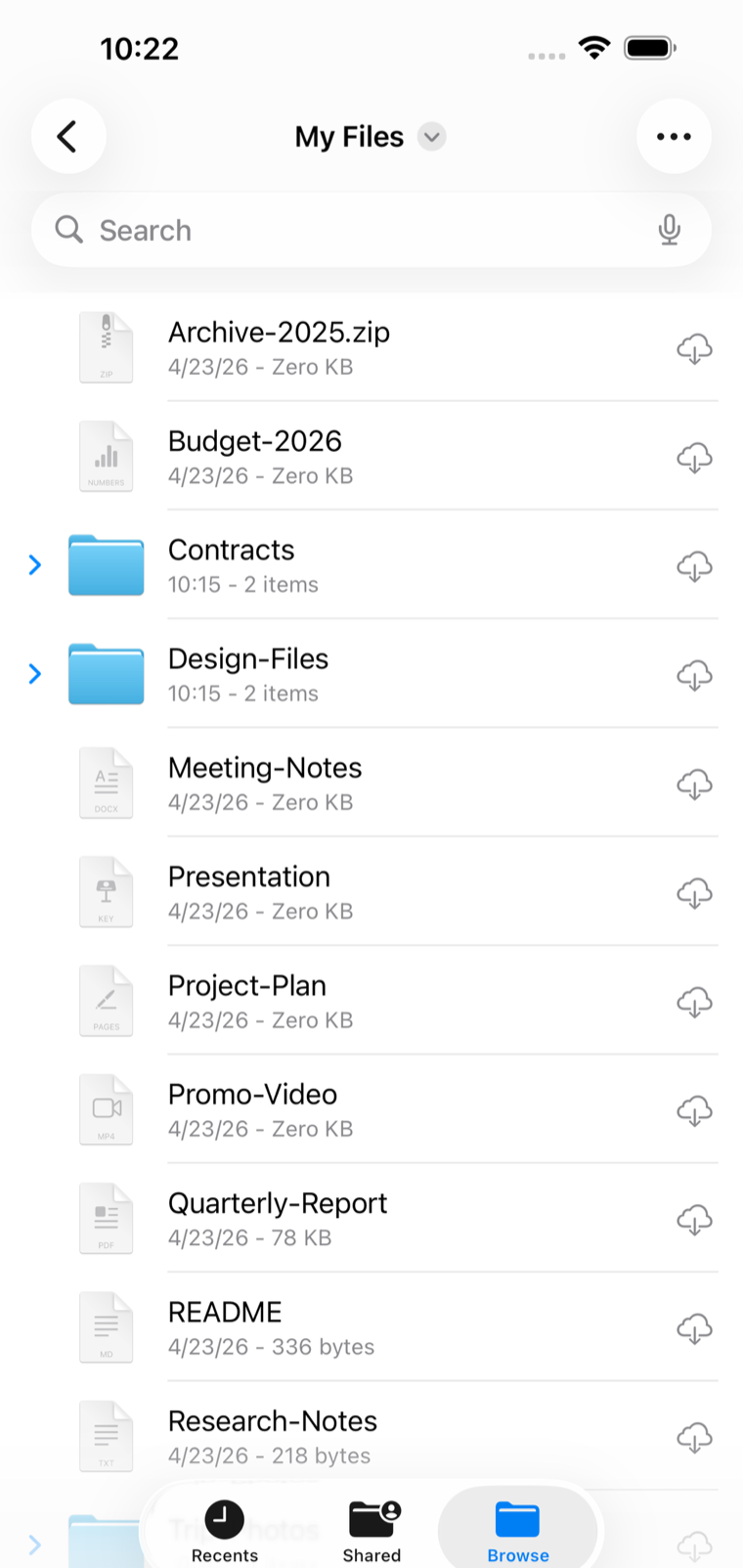
BucketVolume is a location in the Files app, beside iCloud Drive. Any app that opens or saves through Files can work in your buckets.
What it does
- Opening:
- A file downloads when you open itA large bucket does not fill the device.
- Offline:
- Files you mark to keep stay on the device
- Saving:
- Saving a file uploads itLarge files upload in parts.
- Conflicts:
- Both versions are keptYours is saved beside the original as a conflict copy.
- Keys:
- Kept in iCloud KeychainA key added on one device is there on your others. Every connection uses TLS.
- Tracking:
- NoneNo telemetry and no analytics.
- With Pro:
- Buckets from different providers and accounts, side by sideBuilt for professional work. Without Pro, one credential and one bucket.
The app itself
The BucketVolume app holds your keys and your list of buckets. Everything else happens in Finder and Files.
Set-up guides
- Mount an Amazon S3 bucket in Finder on a MacAn Amazon S3 bucket can be a folder in the Finder sidebar. This guide sets that up with BucketVolume.
- Mount a Cloudflare R2 bucket in Finder on a MacA Cloudflare R2 bucket can sit in the Finder sidebar like a drive. This guide sets that up with BucketVolume.
- Mount a Backblaze B2 bucket in Finder on a MacA Backblaze B2 bucket can appear in the Finder sidebar beside your drives. This guide sets that up with BucketVolume.
- Open an Amazon S3 bucket in the Files app on iPhoneAn Amazon S3 bucket can appear in the iPhone Files app under Locations. This guide sets that up with BucketVolume.
- Open a Cloudflare R2 bucket in the Files app on iPhoneA Cloudflare R2 bucket can be a folder in the iPhone Files app. This guide sets that up with BucketVolume.
- Open a Backblaze B2 bucket in the Files app on iPhoneA Backblaze B2 bucket can appear in the iPhone Files app next to iCloud Drive. This guide sets that up with BucketVolume.
- Open an Amazon S3 bucket on iPadAn Amazon S3 bucket can appear in the iPad Files app as a folder. This guide sets that up with BucketVolume.
- Open a Cloudflare R2 bucket on iPadA Cloudflare R2 bucket can sit in the sidebar of the iPad Files app. This guide sets that up with BucketVolume.
- Open a Backblaze B2 bucket on iPadA Backblaze B2 bucket can appear in the iPad Files app beside iCloud Drive. This guide sets that up with BucketVolume.
$2.99 once for iPhone, iPad and Mac. No subscription.